They nap. Their minutes recharge.
While your apps are blocked, their minutes refill. No tasks to log or sessions to restart. Just let them nap.
The autopilot app blocker
Set their rhythm once. AppNap handles the rest.
Download on the App StoreFor iPhone · Free to download · No account required
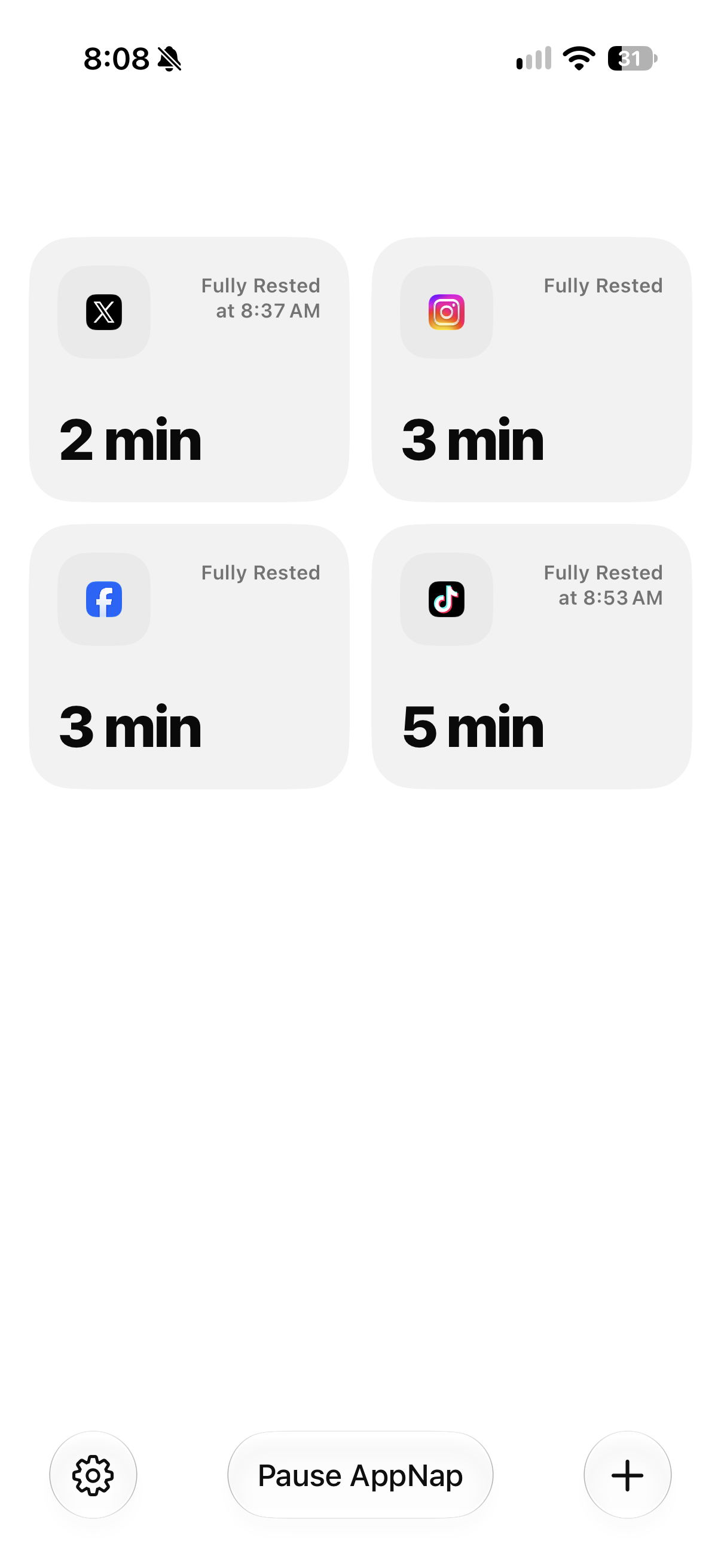
Example apps shown. No affiliation or endorsement.
Your apps get a rhythm. You get on with your day.
That’s screen time on autopilot.
While your apps are blocked, their minutes refill. No tasks to log or sessions to restart. Just let them nap.
Set a little play time and the nap time needed to recharge it. Different apps can have different rhythms.
Give an app its own minutes, or let a group share one balance. You decide what needs a nap.
Start a visit with your available minutes. When the timer ends, AppNap blocks your apps and recharges them again. The timer keeps running if you leave early.
Choose one app or a whole group. Give your everyday distractions a little downtime.
Play time is how many minutes an app can save up. Nap time is how long a full recharge takes.
Start a visit when you’re ready. When your minutes run out, AppNap locks your apps and starts their next nap.

Play a little. Nap a little. Get on with your day.
Download on the App StoreFree to download. Optional in-app purchases.


